The newest version of Microsoft Edge includes a cool small game called Edge Surf to pass the time when you are bored, which is very similar to Dinosaur Chrome game. This article discusses how to play it and what the Edge Surf game link is.
Table of Contents
How to Play Edge Surf Game in Microsoft Edge
The following steps to play it are given below:
- Open Microsoft Edge on your computer.
- Go to the page link edge://surf
Link for the Game
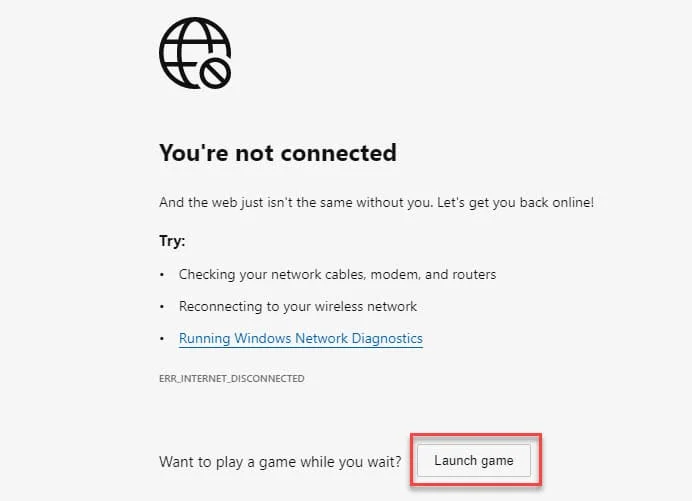
By default, if your Internet connection is down, you would see an option to play the game on a page to navigate:
If you want to play when your PC is online, you should use the link. Here is how it goes:
- Open a New Microsoft Edge Window/Tab.
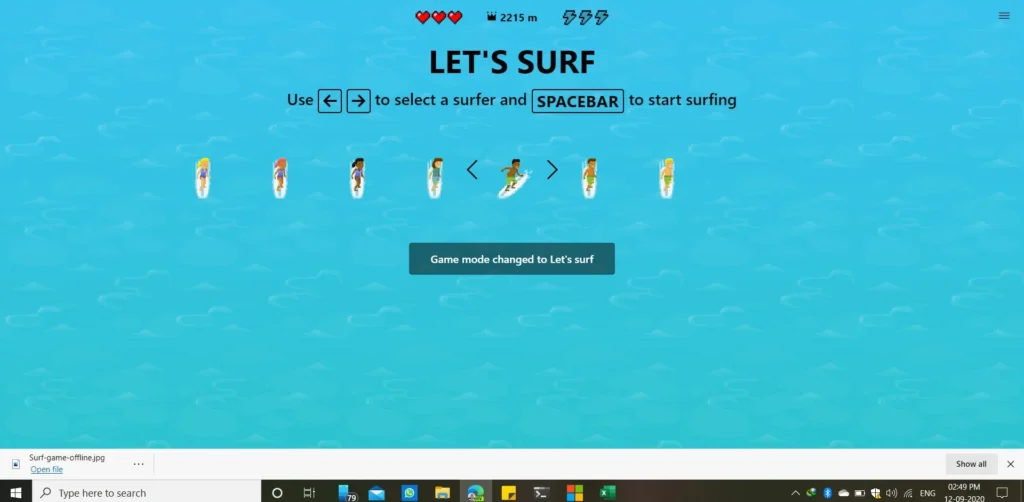
- Go to edge://surf and start playing! (You may have to manually type the link)
That’s it! Type your maximum score in the comments down below.