Update:27/06/25: See this article for more new features in 2025
Microsoft is on a spree to add AI-based features in Windows 11, and apps are not spared from the same. Recently, Microsoft’s top-rated app to take screenshots, called Snipping Tool, has added many AI features, like redacting text, shapes, etc., which are still being tested. I will cover them later in the article as well.
New features expected in the Snipping Tool app with the 24H2 update
As mentioned above, several new features will be shipped in the Snipping tool, with the 24H2 update to Windows 11. The following are the details of it:
Shapes Support
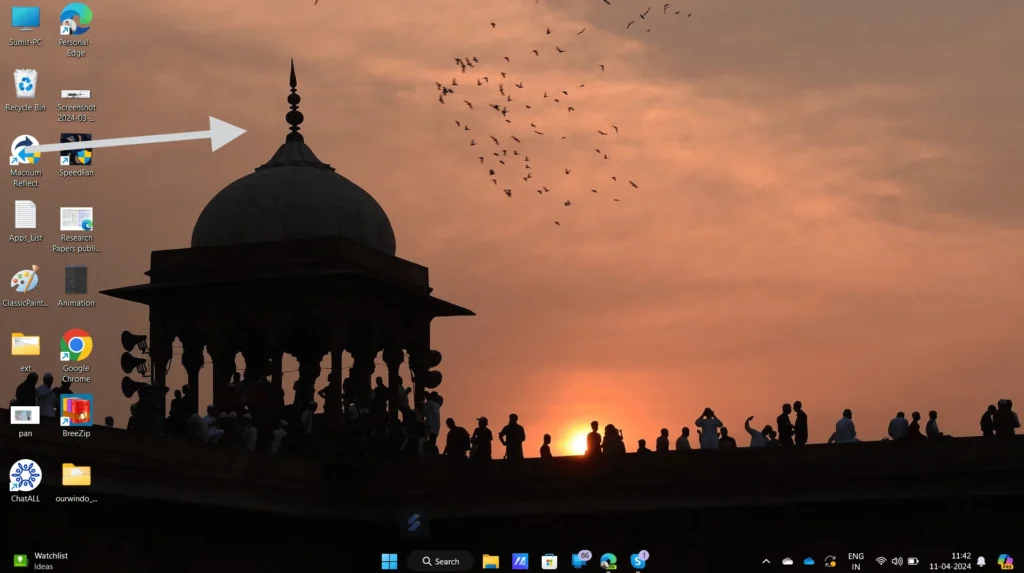
After you take a snip at the new update to the app, you can add a Shape, like an arrow, rectangle, square shape, etc. Furthermore, you can change the Shape and colour and move it as you choose.
Emoji Support
You would also be able to add Emojis in the snip you take. This feature is not yet public in Insider Builds, but it is expected to be available soon in the testing channel.
Next up is the QR Code
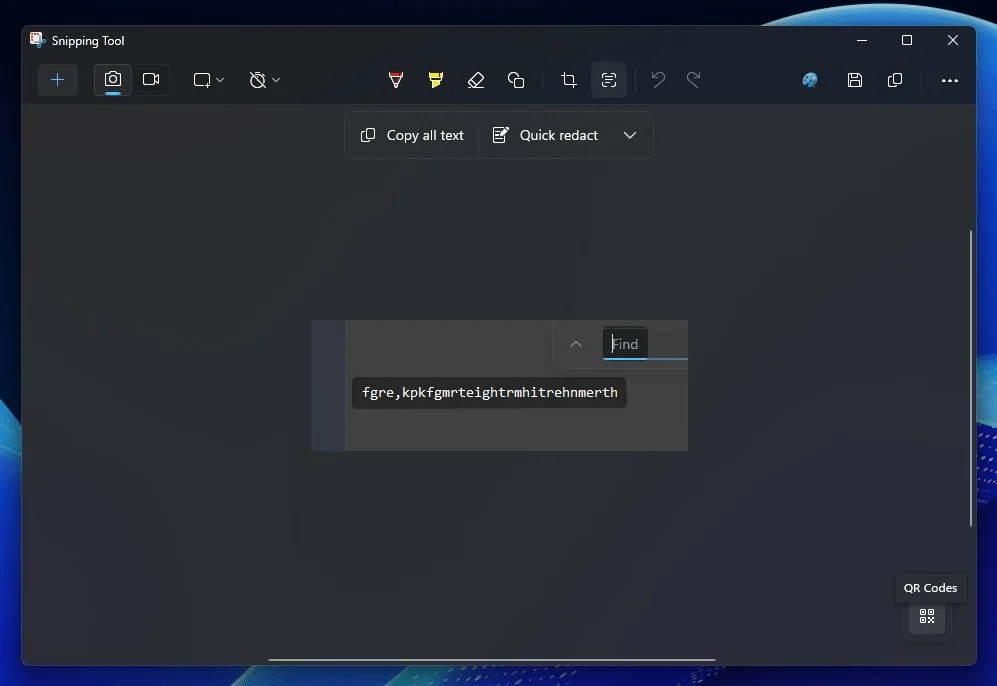
Concurrently, the Snipping Tool app will be able to scan a QR code from the snip, allowing you to access the data in the QR Code quickly. These are usually used for links. If this is built-in, you don’t need a separate QR reader or your Phone to read them.
HDR Screenshot Corrector
If you are using a screen with HDR Capablities, a new Toggle is added to clear pictures for HDR support in the Snipping tool Settings as well.
More features may be on the way, as Windows 11 24H2 is still several months away. Do you like these features? Let us know in the comments.