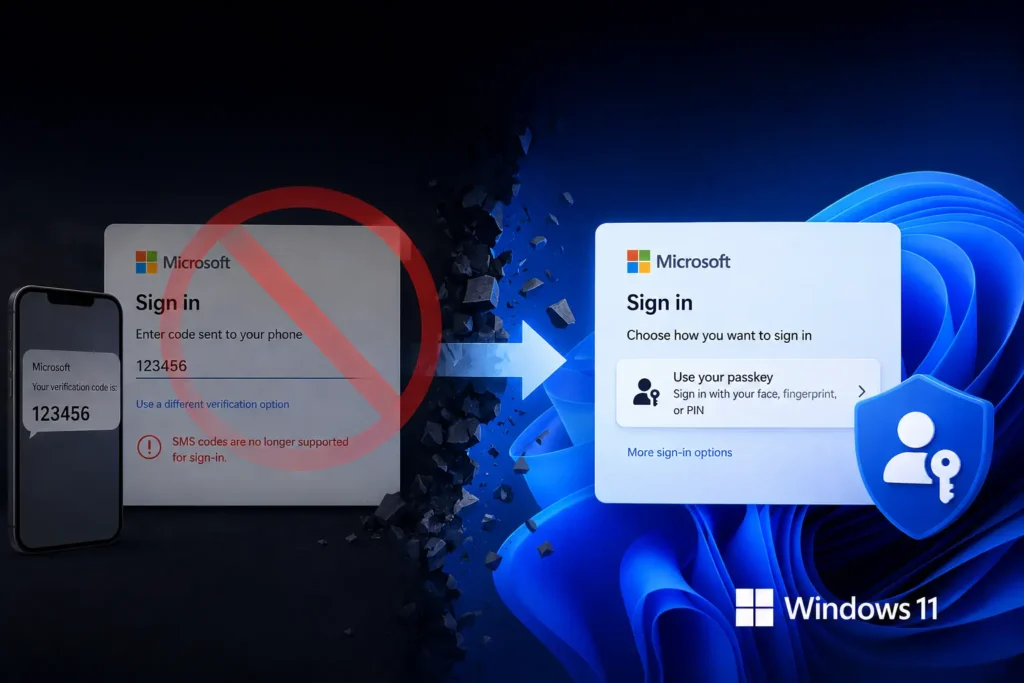
If you notice that the Microsoft SMS code method is missing, you aren’t alone. Microsoft has stopped supporting SMS verification codes.
In a Support document, it is mentioned that the SMS verification code for Microsoft as a verification method will be removed, including 2FA code and sign in. Microsoft hinted this earlier, too, by informing that stronger verification methods would be used.
Table of Contents
It’s official – Microsoft SMS code method is missing intentionally
Although gradually, the method of SMS verification code for Microsoft account 2FA and account recovery is being removed.
Microsoft has confidently identified that SMS authentication is susceptible to phishing and SIM-swapping attacks. To enhance security and improve user convenience, they are transitioning to passkeys and verified email as more robust solutions.
Setup Passkey before it is too late
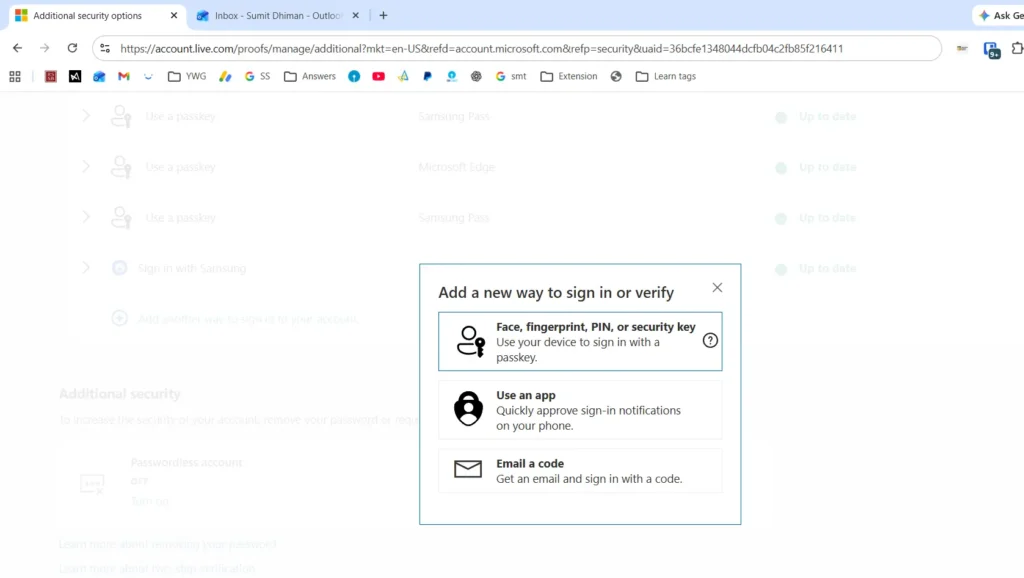
As previously noted, Microsoft recommends creating a more reliable passkey. Steps below to add a passkey as a replacement for getting a code on your phone to sign in, is below:
- Go to the Microsoft account Advanced Security Options page and sign in to your account.
- Select Add a new sign-in or verification method.
- Choose one of the available options, such as Face recognition, Fingerprint, PIN, or a Security Key.
- Complete the setup steps shown on your device.
- When prompted, select Continue or Create to save the passkey in the recommended location. You can also choose Change or Save another way if you want to use a different storage option.
You can read more details about the Phone number missing as verification method, at this page.