Fix OneDrive for macOS not working with this simple workaround for OneDrive for Ventura and older macOS versions
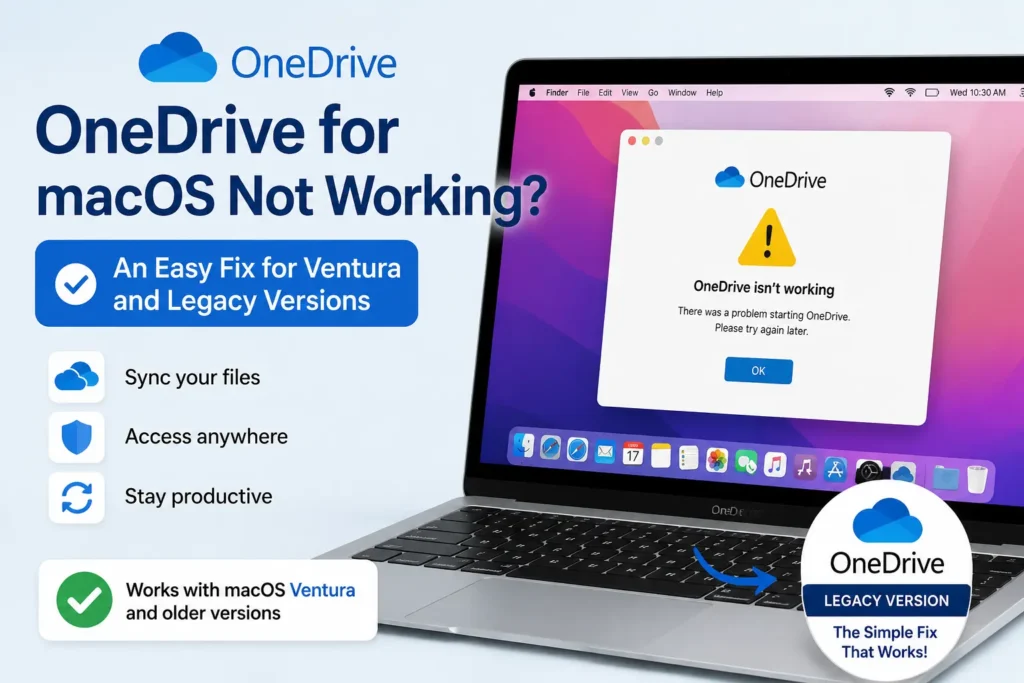
If OneDrive for macOS is not working, you are not alone. Many users running OneDrive for Ventura and other older versions of macOS have reported that the app no longer launches, gets stuck on the sign-in screen, or simply stops syncing files. If you are experiencing the same issue, there is a simple workaround that can help you get OneDrive working again without upgrading your Mac.
Table of Contents
About OneDrive
Microsoft OneDrive is Microsoft’s cloud storage service that lets you store, sync, and access your files across multiple devices. It is available for Windows, macOS, Android, and iPhone, and is also included with Microsoft 365 subscriptions. Once set up, OneDrive automatically keeps your files synchronized between your Mac and the cloud, allowing you to access them from virtually anywhere.
Why is OneDrive for macOS not working?
If OneDrive for macOS is not working, the problem is most commonly seen on Macs running macOS Ventura and other legacy versions of macOS. Microsoft has gradually ended support for older macOS releases, and newer OneDrive updates are no longer designed to work reliably on these operating systems.
A very likely reason is an expired security certificate used by older OneDrive builds. Since unsupported macOS versions no longer receive updated OneDrive releases, the certificate is not being renewed. As a result, the app may fail to launch, refuse to sign in, or stop syncing files correctly.
Fix for OneDrive for Ventura and older macOS versions
If you are looking for a fix for OneDrive for Ventura or another older version of macOS, the easiest solution is to install a legacy version of OneDrive that is still compatible with your operating system.
We have attached a download link to a compatible OneDrive . Simply download the legacy version, install it, and sign in with your Microsoft account. In most cases, OneDrive resumes working normally and syncing your files. The link is courtesy of this page.
If you already have a newer version of OneDrive installed, it is recommended to uninstall it before installing the legacy version to avoid any compatibility issues.
Summary
To summarize, if OneDrive for macOS is not working, especially if you are using OneDrive for Ventura or another older version of macOS, the issue is most likely caused by compatibility changes or an expired certificate in newer releases. Installing a compatible legacy version of OneDrive is currently the simplest and most effective workaround.
Have you found another fix that worked for you? Let us know in the comments below so other users can benefit from your experience.