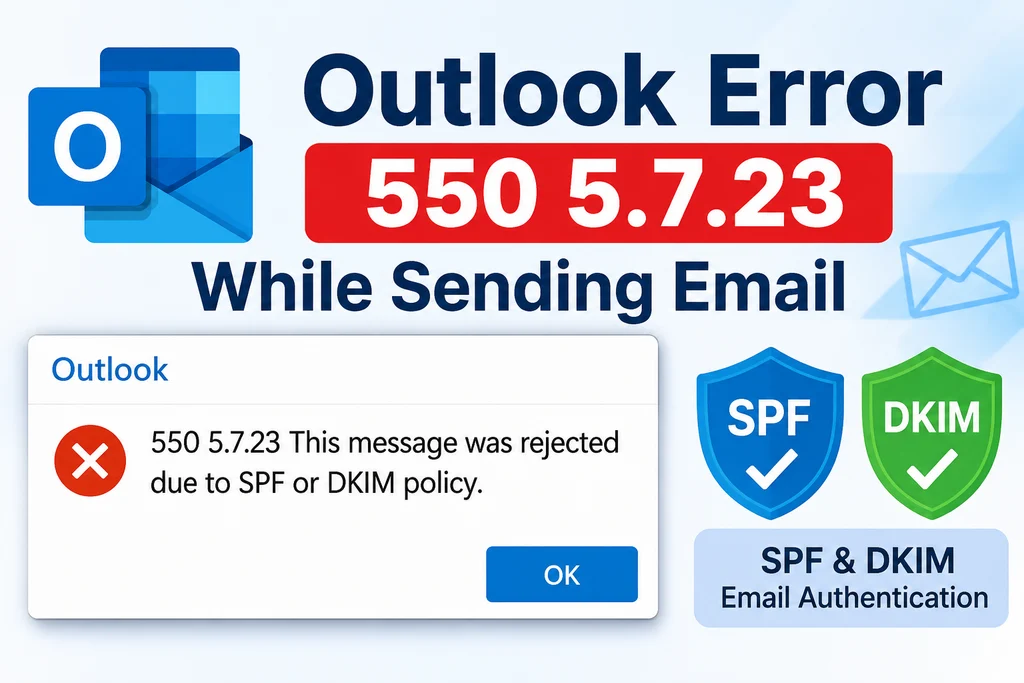
This article discusses a known issue, where some Hotmail and Outlook.com users have recently reported issues receiving emails from certain senders. When someone tries to email them, the sender may receive a non-delivery report citing an SPF validation error with error code 550 5.7.23 .
If you are using a personal Hotmail or Outlook.com account, this can be confusing because you have no control over the sender’s email authentication settings. You cannot directly change their SPF, DKIM, or DMARC records. This article outlines what you can do.
Table of Contents
What is the Outlook SPF error?
When someone sends an email to your Hotmail or Outlook.com address, the message may be rejected with the following error:
550 5.7.23 – The message was rejected because of Sender Policy Framework violation.
The non-delivery report may also contain this message:
550 5.7.1 Message rejected: Message lacks SPF/DKIM/DMARC Auth Records (AS9031519)
This means Microsoft’s email servers could not validate the sender’s email authentication records. Some senders have confirmed that their SPF, DKIM, and DMARC records are correctly configured, but their emails are still being rejected with 550 5.7.23 when sent to Hotmail or Outlook.com addresses. The issue appears to affect certain incoming messages, not all emails. Other messages may continue to arrive normally.
Can you fix the SPF error from your Hotmail account?
No. The organization or email provider sending the message configures SPF, DKIM, and DMARC records. As a Hotmail or Outlook.com recipient, you can’t change these records through your Microsoft account. If the sender receives an SPF validation error, ask them to forward the non-delivery report to their email administrator or service provider. The administrator can check the domain’s authentication records and investigate the rejection. If the sender confirms that all records are configured correctly, the issue may lie with Microsoft’s email validation system rather than your Hotmail account.
What can you do if you are not receiving emails?
If multiple people can’t send emails to your Hotmail or Outlook.com address, you can report the issue to Microsoft.
- Sign in to Outlook on the web.
- Open Help and select Feedback.
- Select Report a problem.
- Describe the issue, noting that senders receive an SPF validation error when emailing your address.
- Enable Can we contact you about this feedback? and Collect logs for feedback.
- Select Submit.
You can use the following description in your report:
I am unable to receive emails from certain senders on my Hotmail/Outlook.com account. The senders are receiving a non-delivery report with the error 550 5.7.23 or 550 5.7.1, stating that the message lacks SPF/DKIM/DMARC authentication records (AS9031519). These senders were previously able to email me without any problems. Please investigate whether this is related to email validation on the Outlook.com service.
You can also ask the sender to contact Microsoft Sender Support if they are using their own domain and have verified their email authentication records.
Hotmail to Hotmail Email sending also affected
A number of users using Hotmail email addresses and trying to send an Email to a Hotmail account also seem to be affected by 550 5.7.23 error as well, which is on the similar lines to other domain senders issue. In these case too likewise previously, there is nothing much you can do, apart from sending feedback.
To summarize, the Hotmail Outlook SPF error can prevent emails from certain senders from reaching your inbox. Since SPF, DKIM, and DMARC records belong to the sender’s domain, you cannot correct them yourself through your Hotmail account.
You can read out other Outlook related articles here.