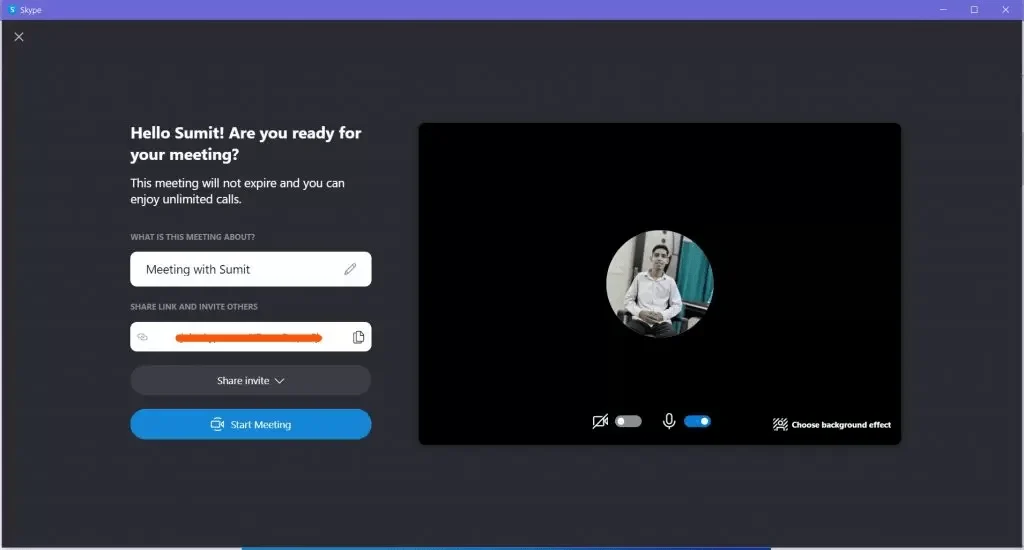
Newer releases of Windows 10 include a “Meet now” button in the taskbar, which allows calls to be initiated with two clicks and can last up to 24 hours. The Meet now feature is are now based on Skype or Teams, where the feature was introduced last year. Some people, who do not require this feature, may want the icon to be removed. This article discusses the scenario – how to remove Meet Now in Windows 10. This feature, however does not exist in Windows 11, as Skype has been retired.
How to Remove Meet Now icon in Windows 10
As Meet now is just a functionality integrated into Skype, you need to turn off its system icon in the Settings. The steps are as follows:
- Open the Settings app either from Start or by pressing Win+I.
- Go to Personalization > Taskbar.
- Click Turn system icons on or off.
- Change the ‘Meet now’ slider to ‘off’.
Additionally, if you want to disable Advertising in Windows, refer to this article as well.
Also see:
What is Meet now and how do I use it?