This guide is for those seeking Windows 11 25H2 ISO files for the purpose of a clean Installation of Windows 11, or if you want to upgrade another Windows 11 24H2 computer offline without an Internet connection.
Table of Contents
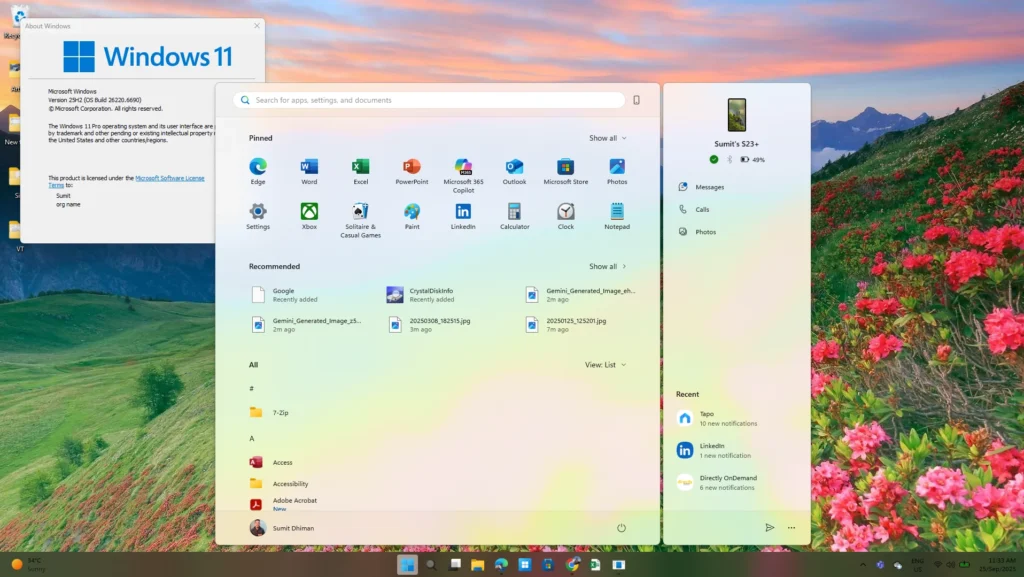
What is an ISO File for Windows 11
An ISO file for Windows 11 is essentially a perfect digital copy of a Windows installation DVD, contained within a single file. Think of it as a complete package that holds all the necessary data to install the operating system from scratch. You can use this file to create a bootable USB flash drive or DVD, allowing you to perform a clean installation or upgrade your PC. For instance, to obtain the latest features and security updates, you can download the Windows 11 25H2 ISO files directly from the official Microsoft website.
Download Windows 11 ISO files using the Windows ISO page
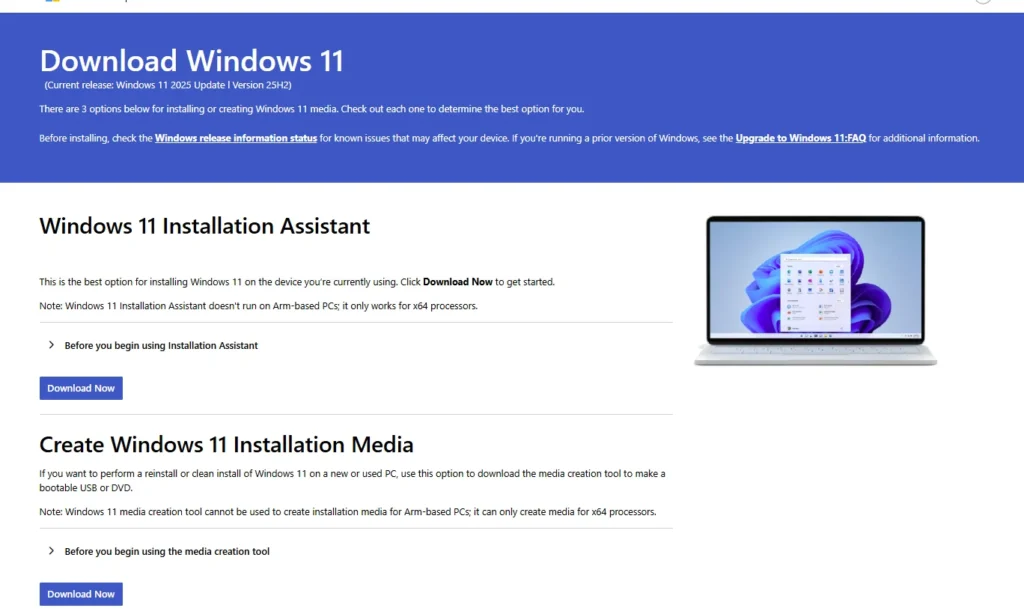
You can also download Windows 11 25H2 media using the Windows Media page. For more information, including the steps, please refer to this article. Despite that, I would write the steps below:
- Visit the Windows 11 Software page, located here.
- To obtain the Windows 11 25H2 ISO file, select Download Windows 11 Disk Image (ISO) for x64 devices option after scrolling down.
- You can then use the ISO file after downloading it as per your requirements.
Direct download Windows 11 25H2 ISO files
Although Microsoft uploaded for the Windows 11 2025 release, you can use this Direct download link, which was gathered courtesy of Windows Latest for the Installation media – valid for En-US only.
https://software-static.download.prss.microsoft.com/dbazure/888969d5-f34g-4e03-ac9d-1f9786c66749/26200.6584.250915-1905.25h2_ge_release_svc_refresh_CLIENT_CONSUMER_x64FRE_en-us.isoTo download the file, select all the code text, right-click and choose Open in a new Tab. The ISO file is close to 7 GB in size.
Article updated on October 1 with fresh links.