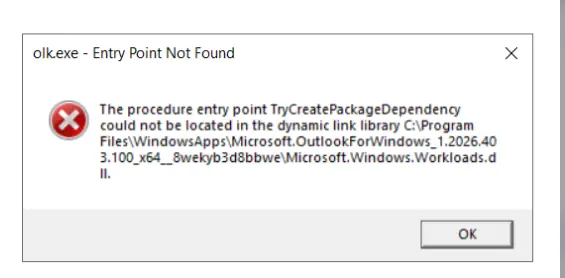
This article discusses a known issue with Outlook New after the recent updates, where users are unable to access New Outlook, and they get an error like this:
olk.exe Entry point Not Found
The procodure entry point TryCreatePackageDependency
could not be located in the dynamic link library
Table of Contents
What is New Outlook?
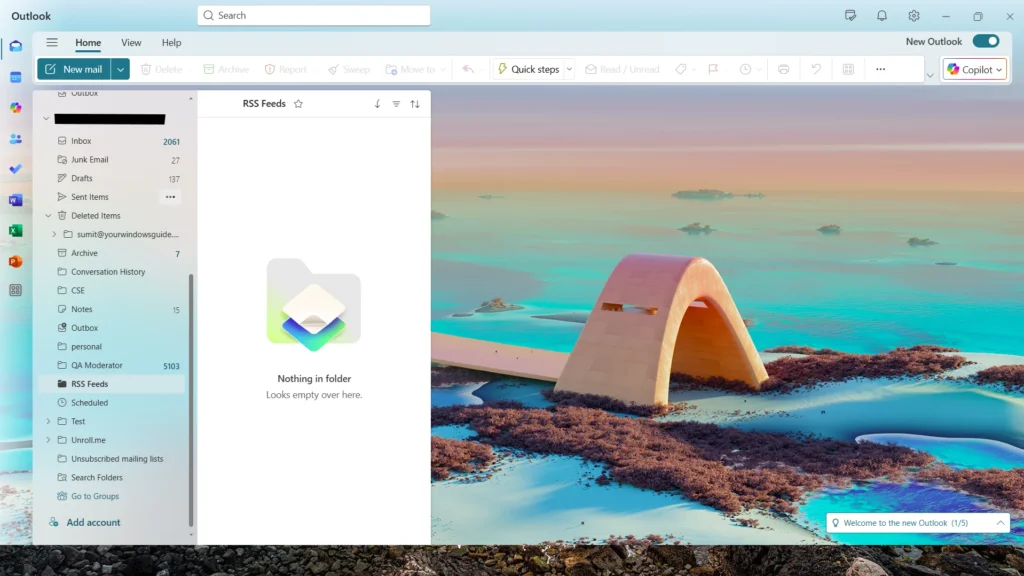
The new Outlook for Windows is a modern email client replacing the Mail and Calendar app in Windows. Built on a fast, web-based architecture, it replaces the older Mail and Calendar apps with a streamlined experience that feels consistent across your desktop and browser. Although it is no match with Outlook 365, it is commonly used by those people who do not have a Microsoft 365 subscription, since the latter is super feature-rich.
Fixing the olk.exe entry point not found error to make the new Outlook work
If you are getting this TryCreate Dependency error in New Outlook, which is preventing you from running New Outlook, this is due to a technical mismatch in the app’s code: the main program file (olk.exe) is looking for a specific function called TryCreatePackageDependency within its own internal library (Microsoft.Windows.Workloads.dll).
Because that library was shipped without the necessary instructions to handle the call, the app essentially “stalls” and fails to launch.
The good news is that a fix is on the way, as per Microsoft and this QA thread.
Temporarily fix the TryCreatePackage Dependency error in New Outlook
Some users on Reddit and Microsoft QA have had isolated success after following the steps below:
- Press Windows + R, type
%localappdata%\Microsoft,and press Enter. - Delete the Olk and OneAuth folders.
- Restart Outlook.
- This only removes temporary Outlook data that will be recreated automatically.
- Try reconfiguring, then open New Outlook and check.
To summarize, this article would help you resolve Outlook not opening after the April 2026 updates. If you have a fix, let me know in the comments.