Learn more about the BitLocker keys not showing, i.e., the page is stuck in a loop with a white screen
If you are a Windows user and using a Microsoft account instead of a Local account and need a BitLocker key, you might be hitting an issue where you cannot access the BitLocker recovery keys page, i.e., it is stuck at a white screen.
Table of Contents
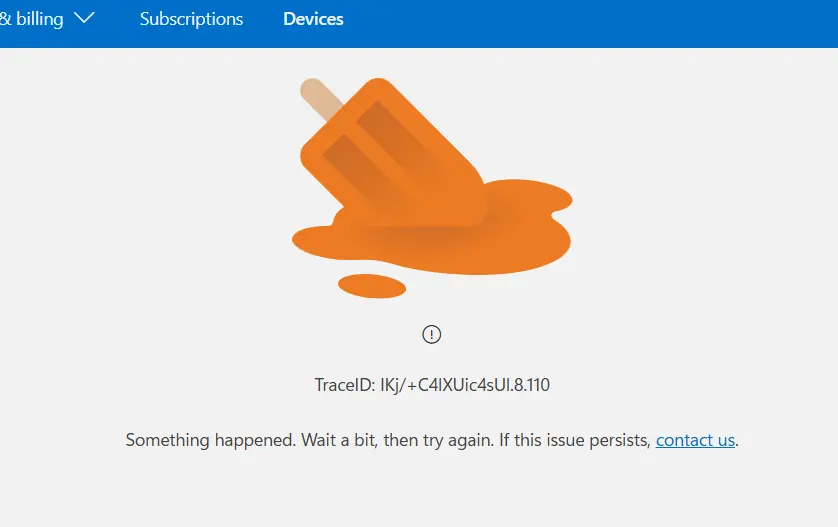
Why you cannot access the BitLocker recovery keys page
If you cannot access the BitLocker recovery keys page, the issue may be caused by a temporary server-side problem rather than a problem with your Microsoft account or recovery keys. At this stage, it does not necessarily mean that your BitLocker recovery key has been deleted or is no longer available. That can only be confirmed once the recovery keys page becomes accessible again.
Multiple users from different regions have reported the same issue, which suggests the outage is affecting Microsoft’s servers rather than individual accounts. Similar incidents have occurred in the past and were resolved by Microsoft without requiring any action from users. It is indeed a server-side outage; access to the BitLocker recovery keys page should be restored once the issue is fixed.
What can you do at this moment for the BitLocker keys not showing due to the outage?
There is not much you can do since it is Microsoft’s issue and they have to fix the problem. There are some steps you can take.
General steps
- Ensure there is some free space in your Microsoft account.
- If you have a Work or school account on the device, or any other Microsoft account, check them too for the BitLocker key. If you cannot access the BitLocker recovery keys page, the key might also be saved with other Microsoft accounts. Not all Microsoft accounts are affected by this outage.
- Try using an InPrivate window to check the recovery keys page to rule out cache issues.
- Restart a few times. Sometimes the Bitlocker prompt goes away.
Try changing the Password
- Go to https://account.live.com and sign in with the Microsoft account associated with your BitLocker recovery key.
- Click Change password in the upper-right corner of the page.
- Create a new, stronger, and longer password, then save the changes.
- Once the password has been updated, try accessing the BitLocker recovery keys page again.
- While this is not an official Microsoft fix, several users have reported that changing their account password restored access to the recovery keys page.
Summary
To summarize, if you are affected by BitLocker keys not showing due to a blank white page, it is a known issue. There isn’t much you can do to resolve this error. You can just wait, and I expect a resolution in the next few days.