If you are looking for Windows 11 26H2 enablement package links, this guide is the one you are looking for
Windows 11 26H2 is coming soon, and has recently hit the Windows Insider Release preview ring if you follow our coverage. The Release Preview, as the name suggests, indicates that the latest version is very close to being released globally. In this article, we will provide the Windows 11 26H2 Enablement Package Download Links and share more details.
Table of Contents
What is new in the Windows 11 26H2 update?
As we discussed earlier this year, Windows 11 26H2 brings a lot of improvements. It introduces several useful changes aimed at improving customization, usability, security, and overall performance. The update adds new taskbar options, including the ability to move the taskbar to the top, left, or right side of the screen and use a smaller taskbar size. The Start menu also receives more customization options, while Windows Search is improved with clearer results and better control over web and Microsoft Store suggestions. Other changes in Windows 11 26H2 include improvements to File Explorer, Windows Share, virtual desktops, Task Manager, Windows Setup, and Windows Update, along with new security and AI-related capabilities.
You can read more on the Microsoft Support document.
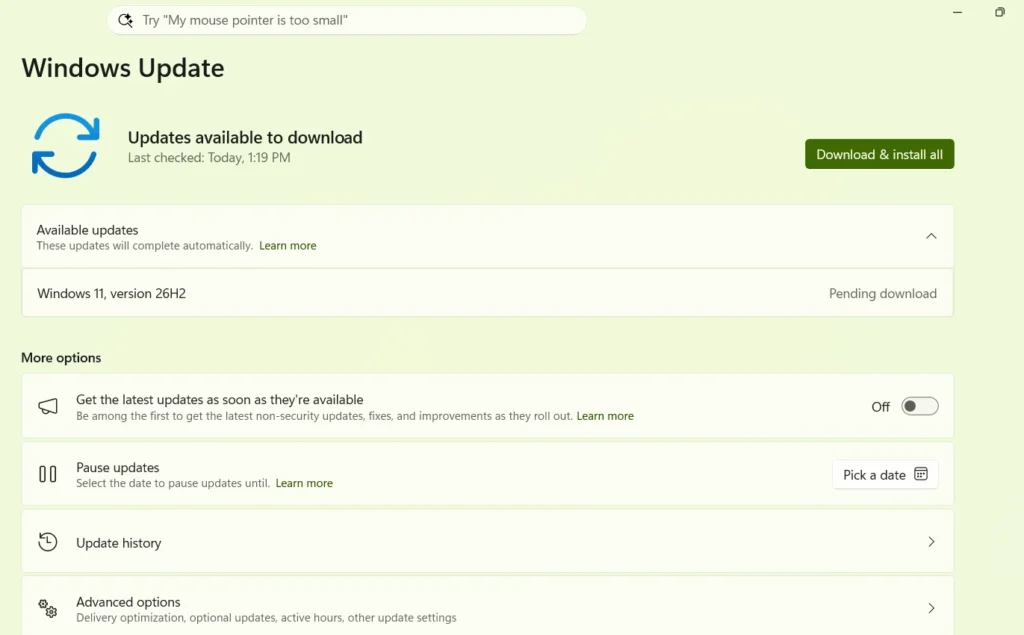
Windows 11 26H2 Enablement package links
The following links are available for the latest update:
The Windows 11 26H2 enablement package links carry the KB number as KB5121794 for the retail 26H2 Build.
If you are on Preview Build 26340
If you are on the Windows Insider Build 26340, the Windows 11 26H2 enablement package download links are different, since it is based on a different channel. See below:
Alternative ways to update to 26H2
You can use the Media Creation Tool to install the update when it is available. We covered it here:
To summarize, you can get Windows 11 26H2 enablement package links from this handy guide. If you want to know more about Windows 11 K2 efforts, read here.