This article is updated whenever Excel’s STOCKHISTORY function is down, as reported by users.
Table of Contents
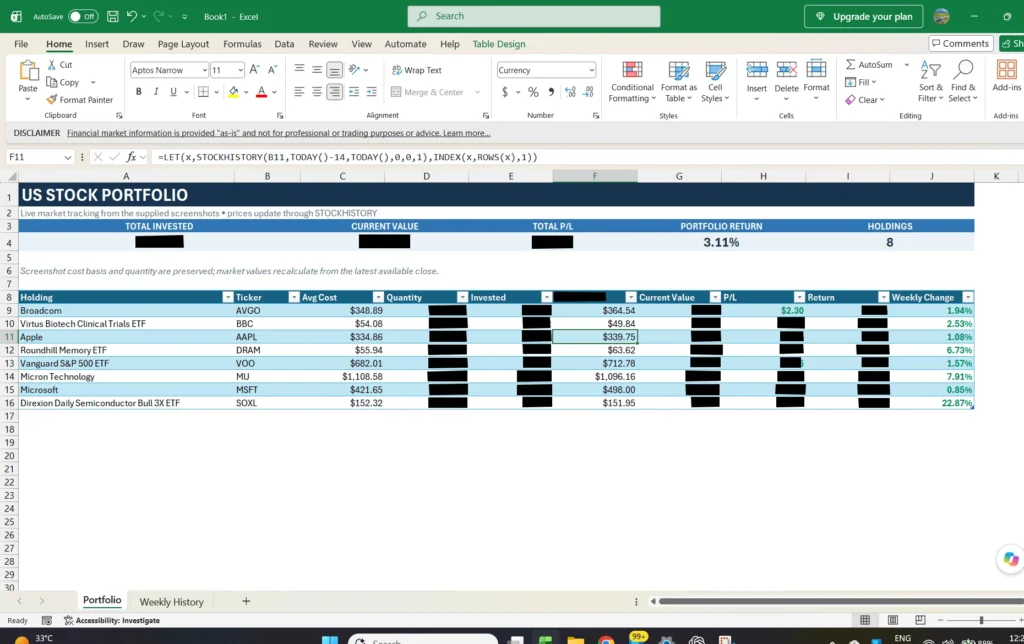
What is the Excel STOCKHISTORY Formula or Function?
The STOCKHISTORY function in Excel lets you retrieve historical stock market data directly into a worksheet. Instead of manually searching for past prices, you can use the function to return information such as a stock’s opening price, closing price, high, low, trading volume, and date for a selected period. It helps track stock performance, create financial reports, and analyze historical market trends. The function works with supported financial instruments and can return the data automatically based on the date range and options you specify.
Is the Excel STOCKHISTORY function down right now? Check the latest report
As of today, the STOCKHISTORY function is working normally, with no anomalies.
What happens when STOCKHISTORY does not work properly?
If the function to get the stock data in Excel does not work properly from the backend, these things may happen:
- You may get a Server error.
- You may get a #REF! error in the respective cell.
- The value will not update.
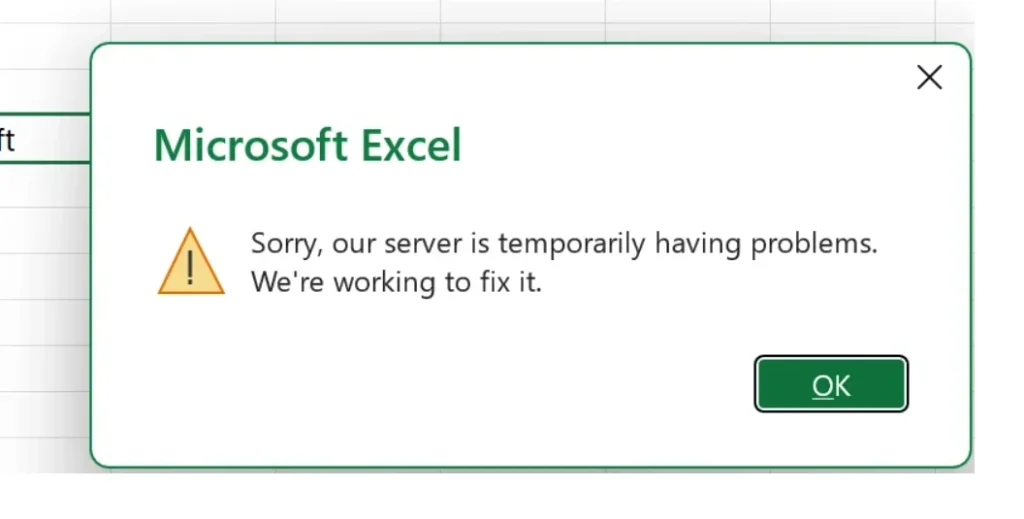
LSEG provides the Excel StockHistory data as a 3rd-party provider, which can cause these errors when it has issues. More about it is in the Microsoft support document. If the problem is global and worldwide, the Excel StockHISTORY function is fixed quickly.