Use this simple guide to Install Any Older Version of Microsoft 365 easily on macOS
If you have a legacy Apple device, you can install Microsoft 365 for older Mac using this guide. This includes Microsoft 365 for macOS Ventura, Monterey, etc.
Table of Contents
What is Microsoft 365 for macOS?
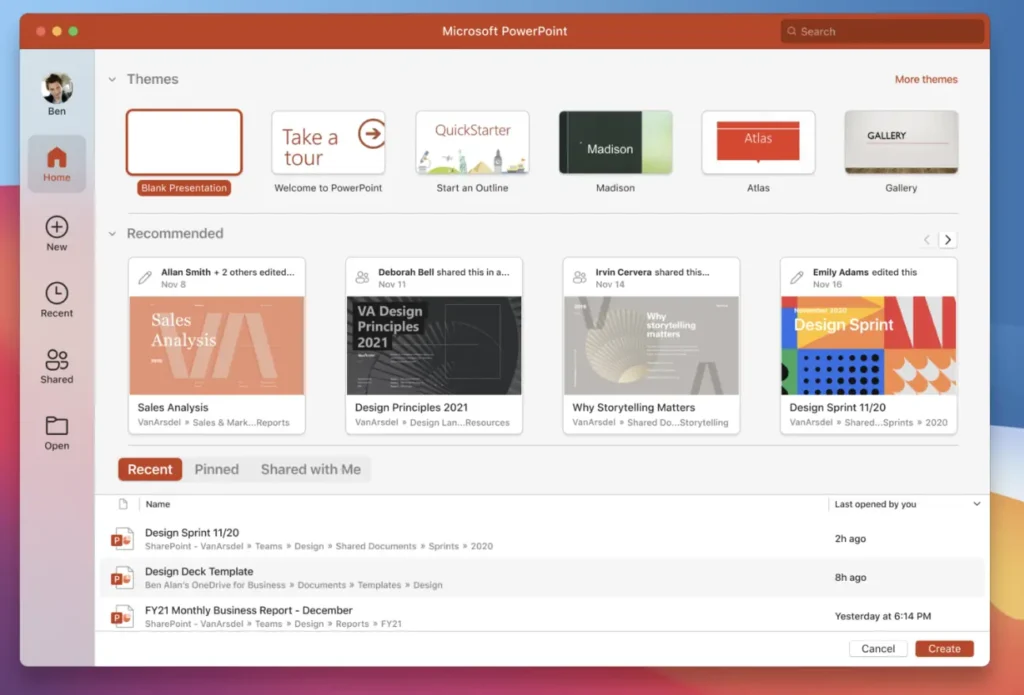
Microsoft 365 is a suite of apps from Microsoft. It includes Word, Excel, PowerPoint, Outlook, and more. You can use these apps to create documents, spreadsheets, presentations, and manage your emails, and alongside use AI i.e. Copilot, with them. Microsoft 365 works on Mac as well as Windows. On a Mac, you can download and install it from the Microsoft website. Older versions of Microsoft 365 for Mac are also available if your macOS does not support the latest version.
Microsoft’s macOS Support Policy for Microsoft 365
Microsoft only supports the three most recent major versions of macOS at any time for Microsoft 365, Office 2024, and Office 2021 for Mac.
As of the time of the writing, the supported versions are:
- macOS 26 (Tahoe)
- macOS 15 (Sequoia)
- macOS 14 (Sonoma)
Key milestones for older versions:
Microsoft, in the recent support document, mentioned the following:
Starting July 13, 2026, apps may enter “reduced functionality mode” — you can open and print files but cannot edit, save, or create new files.
How to download Microsoft 365 for macOS Ventura
Microsoft is still providing older versions of 16.101, which is the last Microsoft 365 build that supports macOS Ventura. After that, Microsoft requires macOS Sonoma or later to keep receiving Office app updates.
I leave the link to them below – they should install successfully:
Office suite 16.101 (with Teams)
Office suite 16.101 (without Teams)
Download Microsoft 365 for macOS Monterey 12.7.6
For Microsoft 365 on Monterey 12.7.6, the last supported version is 12.7.6. Links below for them:
To summarize, you can download Microsoft 365 for older Macs using this guide.
Also, you must check: