If you are looking to install Windows 11 version 26H2, see the available methods in this guide
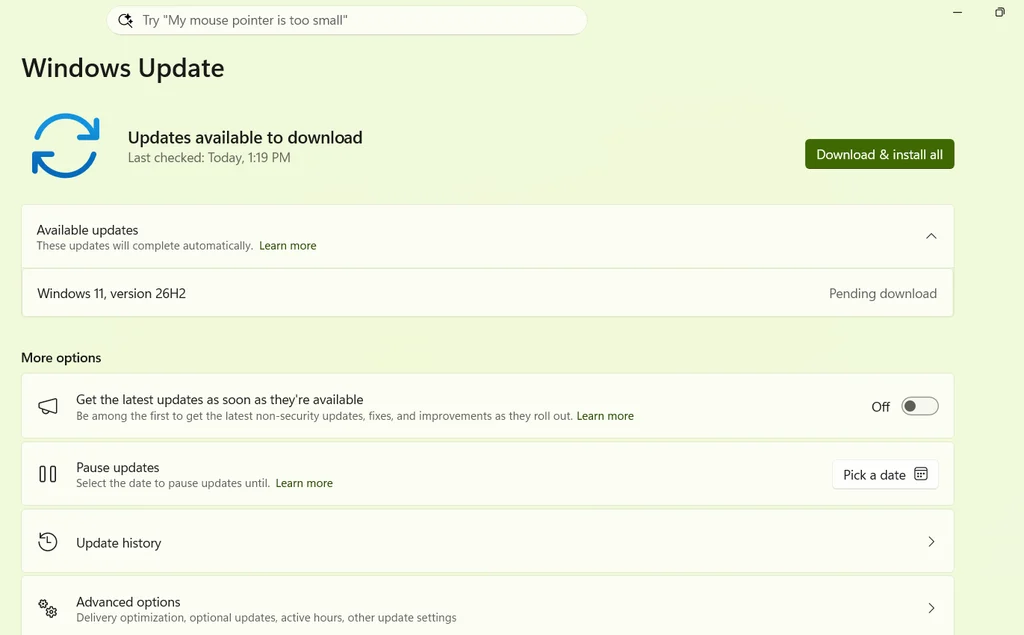
This article will help you install Windows 11 26H2, the upcoming update to Windows 11 for the year 2026. Manual installation can be performed using an enablement package or installation media, which will be available in the future. Currently, as of August 2026, the Windows 11 2026 update is only available via Windows Insider Program.
Table of Contents
What is new in Windows 11 26H2?
Windows 11 version 26H2 introduces practical enhancements that give users greater control over their desktop experience. Delivered as a lightweight enablement package, this update unlocks key Taskbar customization options, including smaller icons and flexible positioning, along with a redesigned Start menu with adjustable icon sizes, an updated layout, and enhanced privacy settings to hide your name and profile picture. Additionally, users can now disable web search results directly within the Start Menu search, pause Windows Update for customized durations, and enjoy modern additions like a refreshed Run dialog box and Administrator Protection in Windows Security. More improvements are rolling out.
Install Windows 11 26H2 offline
Right now, the only way to install Windows 11 26H2 is through the Windows Insider Channel, either using an ISO or enrolling in WIP.
Use the enablement package if you are on Windows 11 25H2
If you are on Windows 11 version 25H2, use the enablement package links in the article below to install Windows 11 26H2 in minutes. Refer to this quick guide:
Using the Windows 11 26H2 update ISO
If you plan to install Windows 11 26H2 offline, simply download the ISO file from the page below:
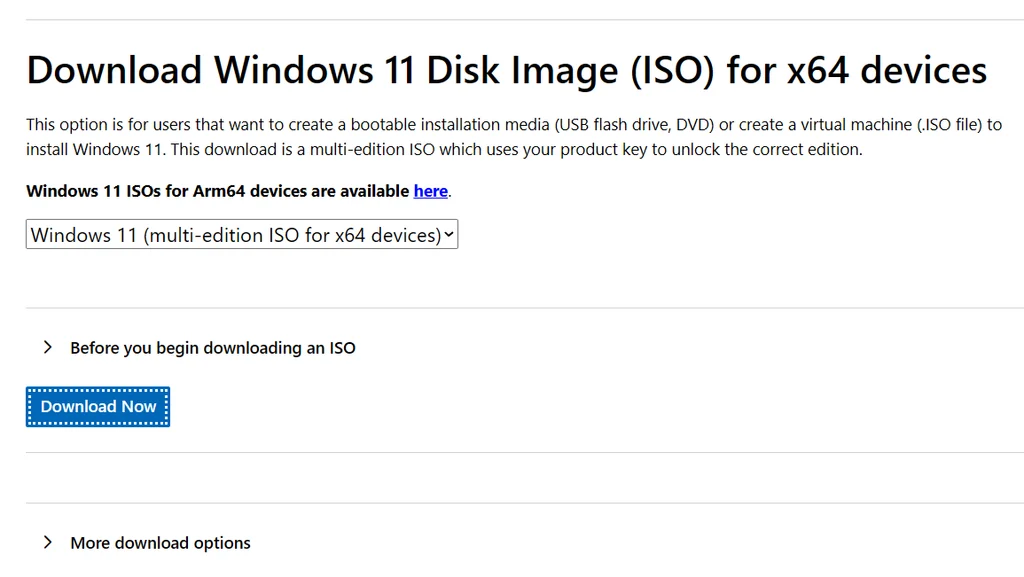
Afterward, open the ISO file and run Setup.exe to start the upgrade.
- After the ISO finishes downloading, double-click it to mount it and launch Windows Setup.
- On the Get updates, drivers and optional features screen, select Not right now, then click Next.
- Windows Setup will check your PC and prepare the required files. Wait for the “We are getting a few things ready” screen to complete.
- Accept the applicable license terms when prompted.
- On the Choose what to keep screen, make sure Keep personal files and apps is selected. This confirms that your existing files, apps, and settings will be retained during the upgrade.
- Click Install to begin the Windows 11 upgrade.
- Allow the installation to complete. Depending on your hardware, the upgrade process may take around 90 minutes and the PC will restart several times.
- After you sign in with your PIN, Windows may continue final setup and configuration in the background.
- Finally, go to Settings > Windows Update and check for updates to install the latest available cumulative and other updates.
For Pictures, you can use this guide.
Using the Windows Installation Assistant by Microsoft
If you plan to upgrade the same computer, you can also use the Windows 11 Installation Assistant from this link. Once downloaded, open it, and it will upgrade automatically.
To summarize, these are the efficient methods to install the Windows 11 2026 update.