If you are planning to switch to New Outlook, going through this article is a must
Although Microsoft has committed to supporting Outlook 365 until 2029, it is still aggressively pushing it, making it the default and using many other tactics. There are a few bugs every other week, as we have noticed, indicating that the quality control is not as good as it should be. This article is a comprehensive guide to New Outlook vs Old Outlook, including a list of missing features in New Outlook.
Table of Contents
What is New Outlook?
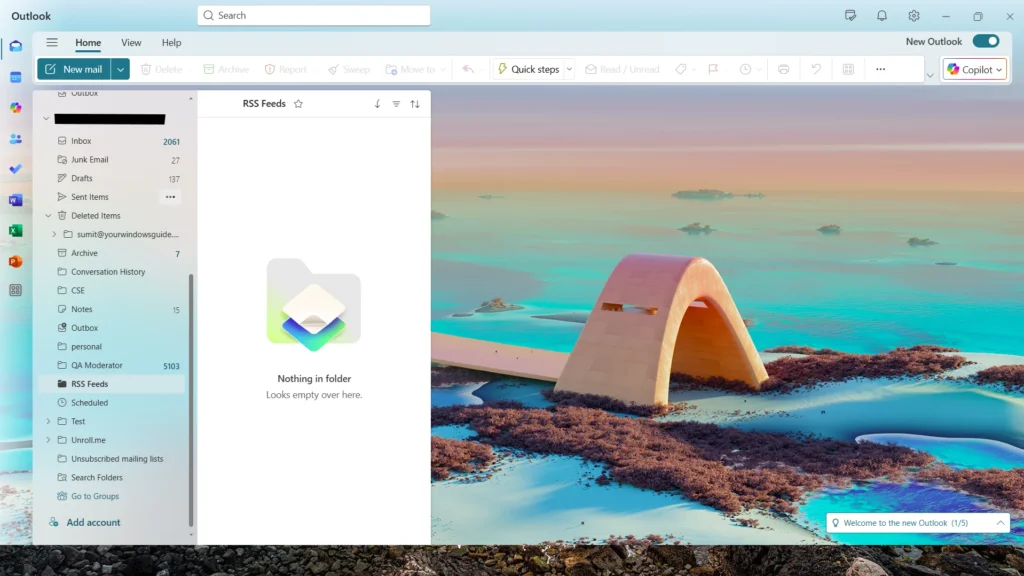
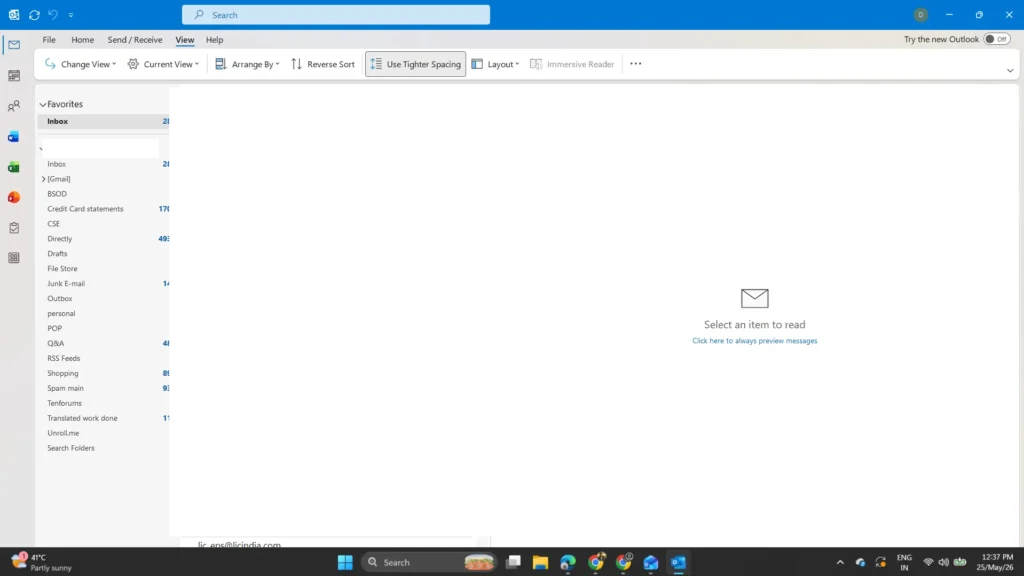
If you have recently switched to Microsoft Outlook, you may be wondering what New Outlook is and how it is different from the classic version. The New Outlook is Microsoft’s modern email app designed with a cleaner interface, faster performance, and better integration with Microsoft 365 services like Teams, OneDrive, and Calendar. When comparing New Outlook vs. old Outlook, the new version focuses more on cloud-based features, simplified settings, and a consistent experience across Windows and web devices, while the old Outlook still offers some advanced tools preferred by long-time users and businesses.
New Outlook vs Old Outlook – what are the differences
There are many missing features in New Outlook. I describe each of them in detail:
- COM add-ins are not supported in New Outlook; only web add-ins are supported. This includes the Teams add-in as Microsoft claims Teams is natively supported.
- Multiple Profiles for email accounts are also one of the missing features in New Outlook.
- You cannot change the Name if you are using an Outlook.com account.
- Drag-and-drop workflows involving attachments can be limited, especially when moving attachments between messages or into external apps.
- Some third-party integrations and plugins may not work yet in New Outlook, depending on whether they rely on classic Outlook behavior.
- Recipient reminder-style message flags are not available in the same way as classic Outlook.
- When comparing New Outlook vs. Old Outlook, Contacts are not automatically migrated from Outlook Classic to Outlook New for a POP account. Similar limitations also apply to Calendars and rules.
- Rules cannot be imported or exported.
A detailed Support document is here.
This article serves as a comprehensive guide for the missing Features in New Outlook.