Learn what you can do about the “This Build of Windows will expire soon” message
If you are a member of the Windows Insider Program on any of the Canary, Experimental, Beta, Release Preview, etc., builds, you might see a “Your Windows Build will expire soon” warning when you start your computer.
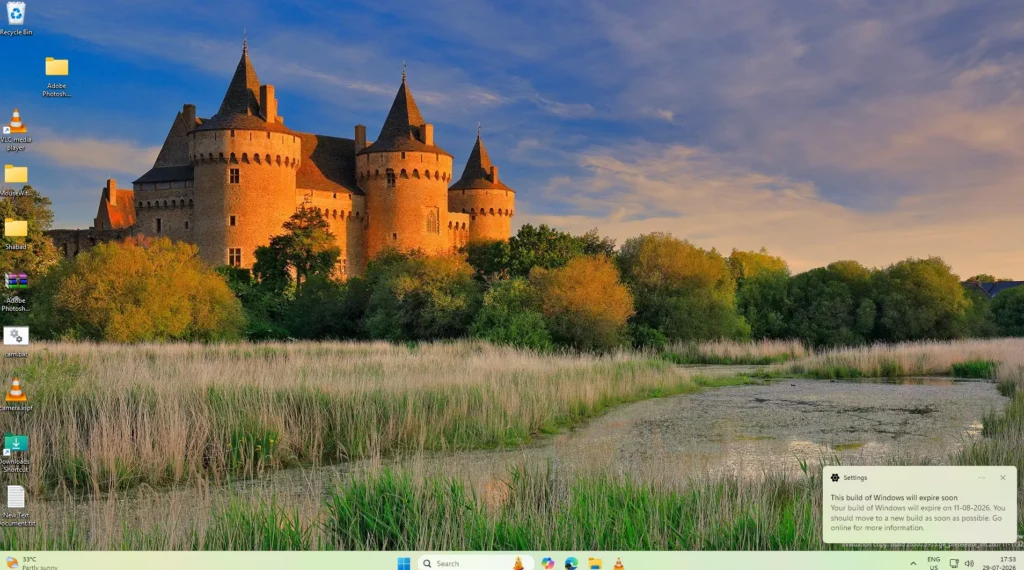
In this article, we will see why you see the Windows Insider Build Expiring message and what implications it can have.
Table of Contents
What is the Windows Insider Program?
The Windows Insider Program is a free Microsoft initiative that lets users try new Windows features before they are released to everyone. It gives you early access to Windows preview builds so you can test upcoming changes and provide feedback.
Anyone with a Microsoft account can join the program. After enrolling, you can choose an Insider Channel based on how stable or experimental you want your Windows experience to be. By using preview builds, you can explore new features, improvements, and bug fixes before they become part of the public version of Windows.
The Windows Insider Program is ideal for enthusiasts, developers, IT professionals, and anyone interested in testing the latest Windows features. However, since preview builds may contain bugs or unfinished features, they are generally not recommended for your primary work computer.
Your Windows Insider Build expiring message might be a red herring
If you are seeing your Windows Insider Build will expire soon, you aren’t alone. Most of the Windows Insider members are seeing this error.
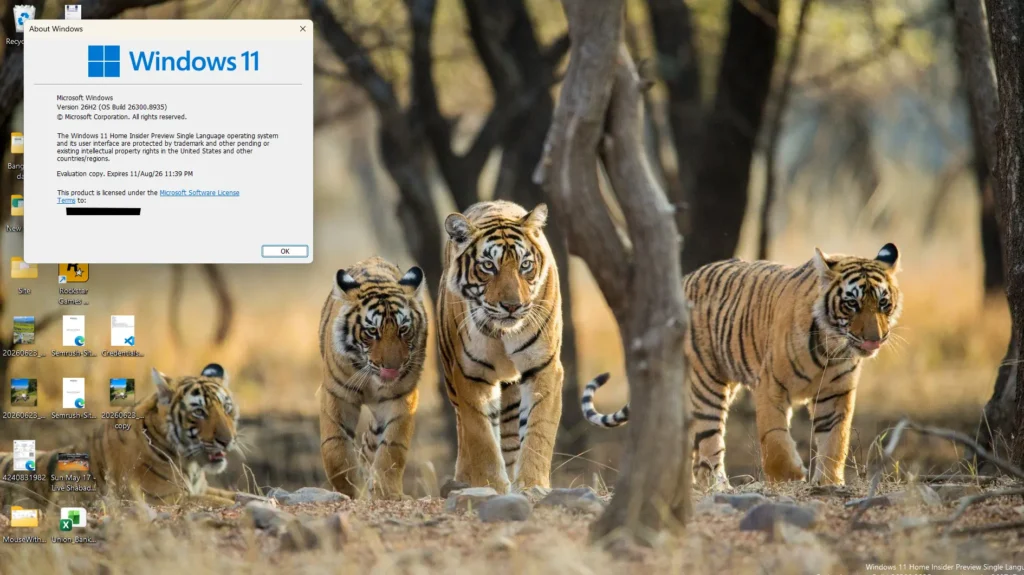
It is simply related to Microsoft’s scheduled renewal of the certificates used to digitally sign Windows Insider Preview builds. These certificates expire on August 11, 2026, and Microsoft is releasing new Insider builds with refreshed certificates as part of routine maintenance: not because of a security issue. Unlike previous years, when this mainly affected the Canary Channel, the 2026 renewal also applies to other Insider channels, including Experimental and Beta. To avoid the expiration warning, you’ll need to update to a build that includes the renewed certificate for your Insider channel, as older builds will continue using the expiring certificate.
Is there any action needed from your side?
No. There is no action needed on your side to resolve the “Your Windows Build will expire soon message” this Build of Windows will expire soon” message, since for most of the channels, the Build with updated expiry date has been released by Microsoft. From the support document, the schedule as per July 29th is this.
| Channel | Core | Minimum Build |
|---|---|---|
| Experimental | Future Platforms | 29634.1000 (available July 27th, 2026) |
| Experimental | 26H2 | 26300.9032 (available July 31, 2026) |
| Experimental | 26H1 | 28120.2630 (available July 31, 2026) |
| Beta | 25H2 | 26220.9022 (available July 31, 2026) |
| Beta | 26H1 | 28020.2623 (available July 31, 2026) |
Just keep checking the latest updates, which are
- Open Settings > Windows Update.
- Select Check for updates.
- Install the offered build and restart which is available.
If you wish to download the updated Build ISO to resolve the Windows Insider Build expiring problem, have a look at this guide.
If you have trouble with Windows Insider configuration, have a look at: