If Microsoft Edge is missing on your device and you cannot find it, check out this guide.
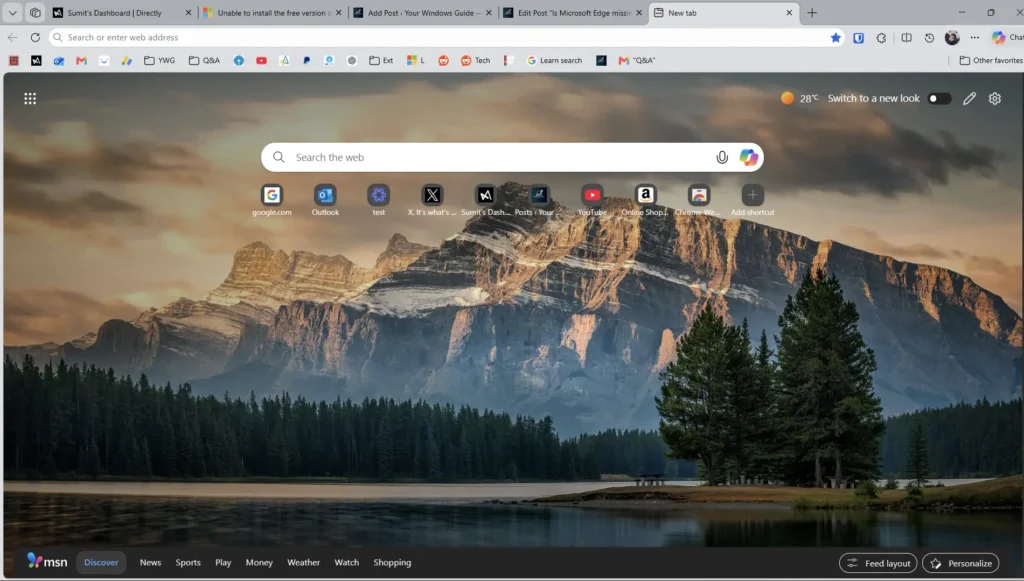
Table of Contents
What is Microsoft Edge?
Microsoft Edge is a fast, secure, and modern web browser developed by Microsoft, built on the Chromium open-source engine, and designed to replace the older Internet Explorer. It comes pre-installed on Windows and works across platforms, including Windows, macOS, Android, and iOS, offering built-in features like Copilot AI, tracking prevention, Microsoft Defender SmartScreen, AdBlock, and InPrivate browsing. If you ever find Microsoft Edge missing from your device, it could be due to a Windows update error, malware infection, file corruption, or a broken shortcut, which we will see in this article.
Is your Microsoft Edge Missing? Check out this simple fix.
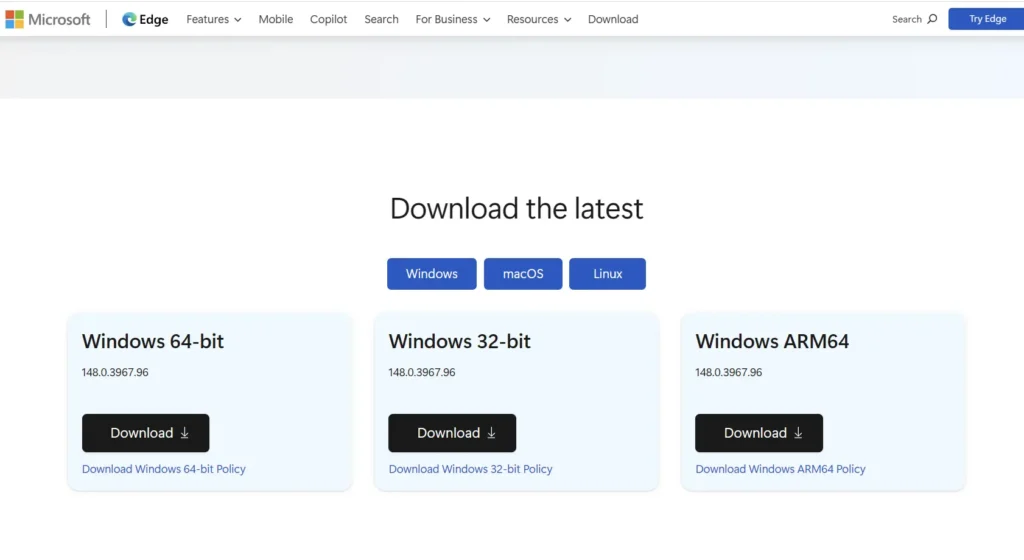
A simple fix is to download the MSI Installer from Microsoft’s page and install it. For this, see the steps below:
- Go to the Microsoft Edge Business download page.
- Download the Stable version.
- Click Accept and Download.
- Install the same, and Microsoft Edge should be back.
Also check: