Microsoft now provides an option to delete device in Phone Link
If you are using the Phone Link App from Windows, you might have noticed that the ability to remove device that is old, redundant, or not being used in the Phone Link app is missing. The good news is that Microsoft has recently added the option to remove old Devices in the Phone Link app of Windows.
Table of Contents
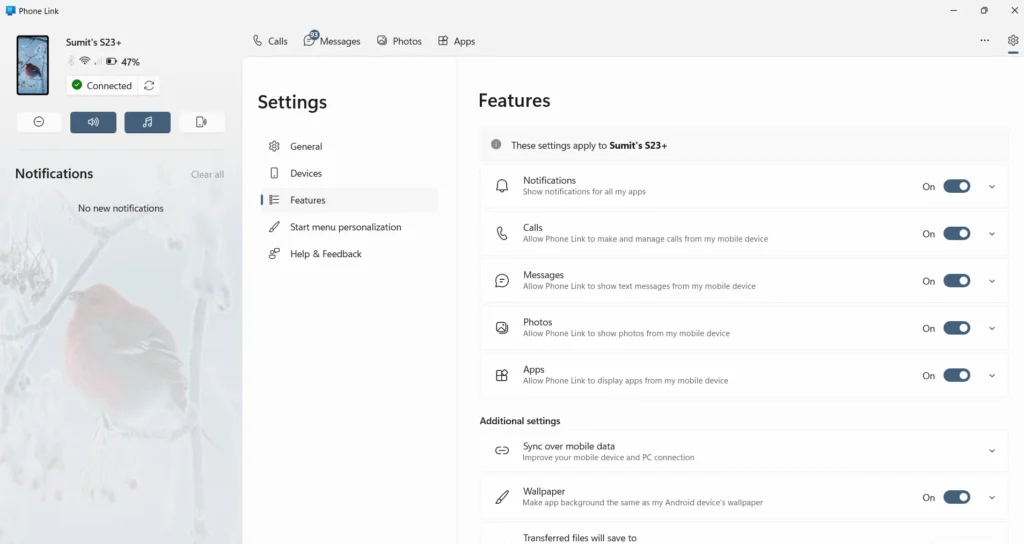
What is Phone Link and what are its features?
Phone Link is a built-in Windows app developed by Microsoft that lets you connect your Android or iPhone to your Windows PC. Once connected, you should be able to use the following features:
- You can access your phone’s notifications.
- Send and receive text messages.
- make and answer calls
- View photos
- Use supported mobile apps directly from your computer.
- Lock your Computer,
- Sync your Clipboard and copy files to and from the device.
Phone Link is designed to help you stay productive without constantly switching between your PC and your phone.
While most features are available for Android devices, iPhone support is more limited and primarily includes calls, messages, notifications, and basic connectivity.
How to safely Remove device in the Phone Link app?
The new versions of Link to Windows, aka Phone Link, now allow you to delete redundant devices in the Phone Link app, as spotted by Zac Bowden.
The steps for the same are below:
- Open the link to the Windows App on your Phone.
- Click your Profile icon on the top left.
- Subsequently, click Settings.
- Under Device control, switch to the device you want to remove, then press the Gear button.
- Click Remove device.
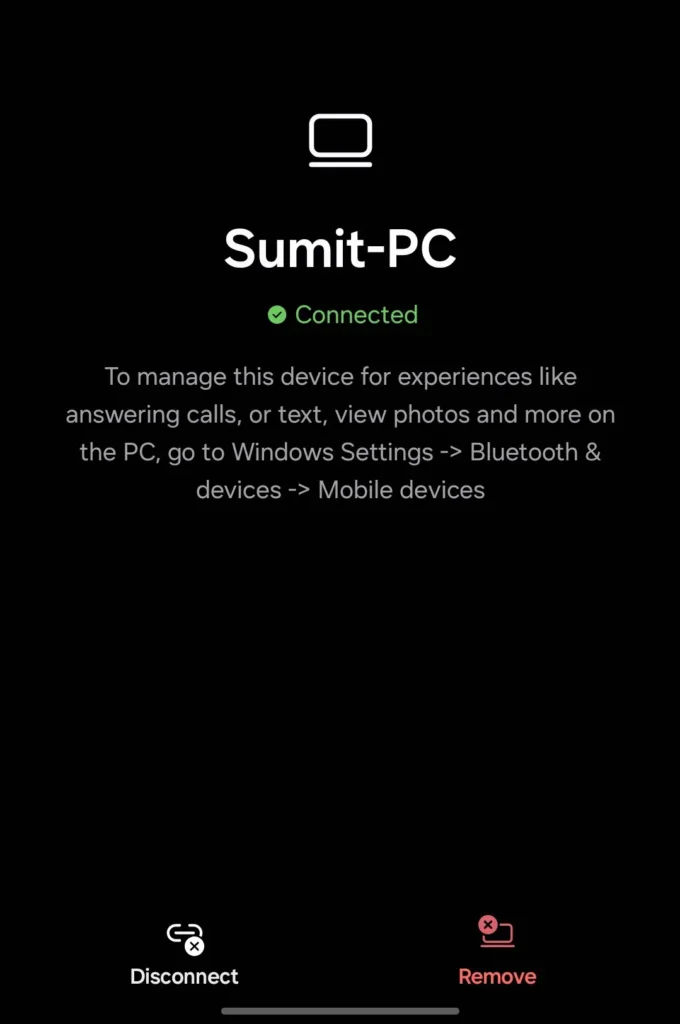
- Confirm the deletion and select delete.
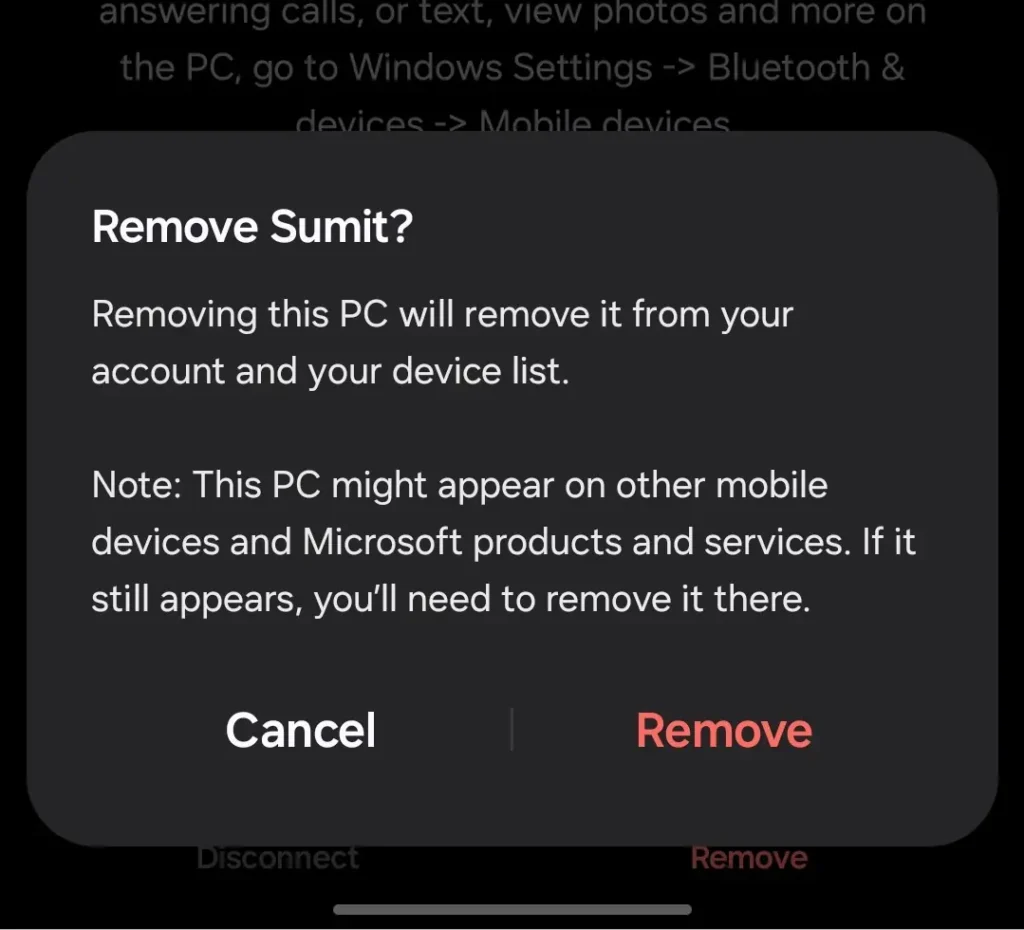
- Once one device is removed, repeat the steps for all the redundant devices.
To summarize, these steps will help you remove device in the Phone link app.